Observium Update Scripts
July 6, 2015
TL;DR
This post provides custom scripts to simplify and automate the routine update and upgrade process for Observium network monitoring software.
- For routine updates, a "minor update" script is available, which simply overlays new files and is recommended for non-major releases.
- For significant version changes, a "major upgrade" script is provided, which handles backing up the old installation before installing new files.
- The scripts follow the general practices of Observium, but users must remember to test the scripts on their specific systems.
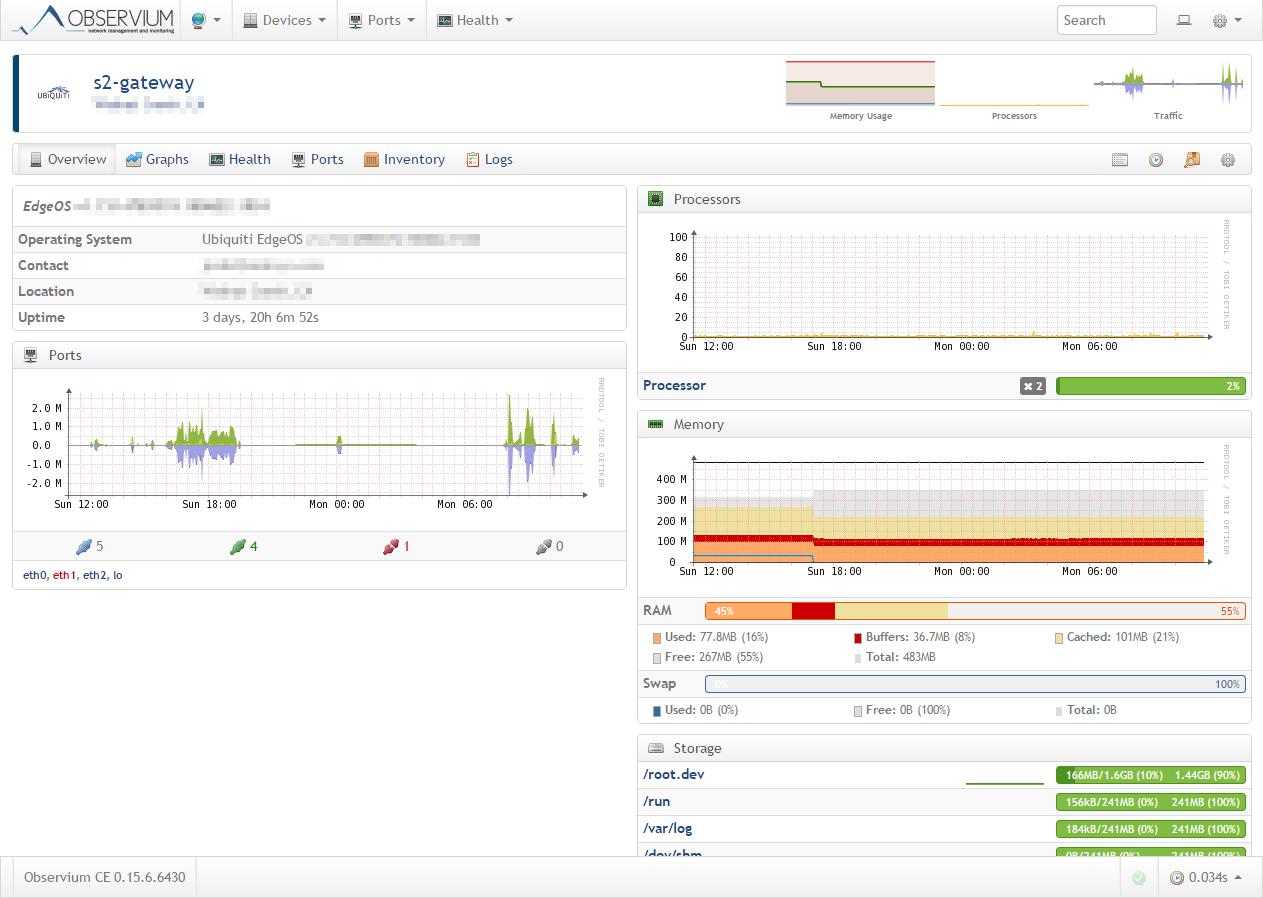
I recently moved to Observium for my device and basic network monitoring, one of the things about running Observium that is, well, love it or hate it, is that there are a lot of updates to the software. And if you want to keep things up to date, you will probably want to perform updates quite frequently.
I created some scripts that help me simplify the update and upgrade process, when I choose to do updates (usually once or twice a month, assuming there are features that I want to check out).
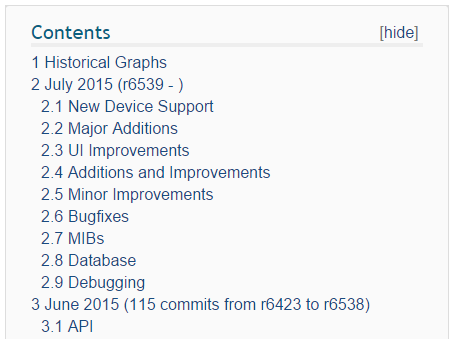
The first script listed below is a simple "minor update" script, it simply overlays new files over the existing files. This is the most basic type of update and is recommended for simple updates throughout the month and any non-major update releases.
After that, there is a more involved upgrade script that moves the existing installation to a backup location, installs the new files and then copes back some of the configuration files. This is recommended for major release updates.
Here is the minor update script.
[shell] #!/bin/bash
# observium-minor-update.sh # Update minor version for Observium
cd /opt
if [ -f "observium-community-latest.tar.gz" ]; then rm -Rf observium-community-latest.tar.gz fi
wget https://www.observium.org/observium-community-latest.tar.gz tar zxvf observium-community-latest.tar.gz
/opt/observium/discovery.php -h none [/shell]
And here is the major upgrade script.
[shell] #!/bin/bash
# observium-upgrade.sh # Script to update Observium to Latest
cd /opt
if [ -d "observium_old" ]; then rm -Rf observium_old fi
if [ -f "observium-community-latest.tar.gz" ]; then rm -Rf observium-community-latest.tar.gz fi
mv observium observium_old wget https://www.observium.org/observium-community-latest.tar.gz tar zxvf observium-community-latest.tar.gz mv /opt/observium_old/rrd observium/ mv /opt/observium_old/*log* observium/ mv /opt/observium_old/config.php observium/
/opt/observium/discovery.php -h all [/shell]
All of these scripts follow the basic practices Observium recommends here, https://observium.org/wiki/Upgrading.
This code all seems to work on my systems, but your results may vary. So make sure to test and use at your own risk!